Quality management
The Gestion de la Qualite RAG (RAG Quality Management) page allows you to monitor knowledge base health and take corrective actions.
WARNING
This feature is restricted to administrators.
Access quality management
From the administration page, click the Quality button in the top bar, or click the "N docs a reingerer" (N docs to re-ingest) badge if present.
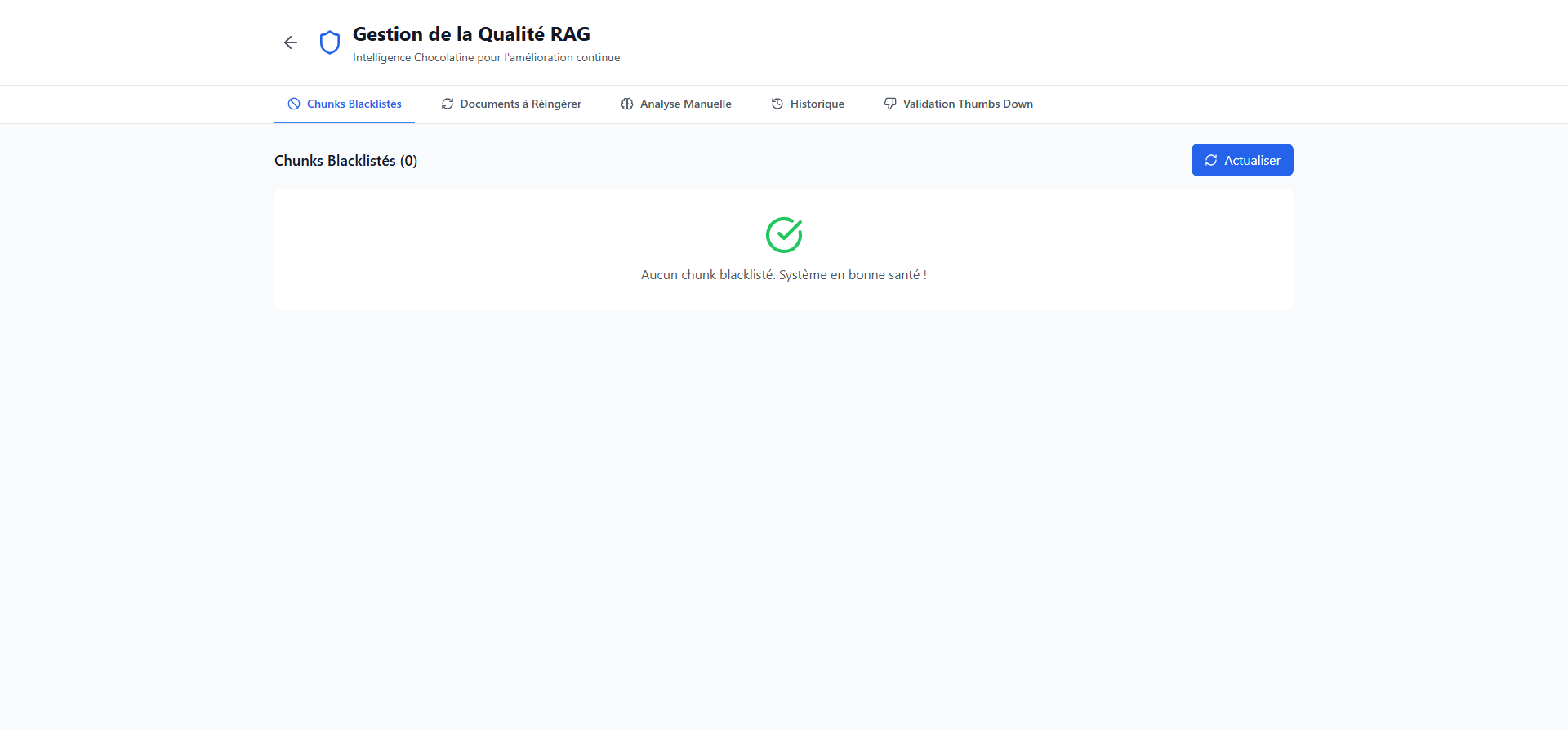
Available tabs
The page is organized into five tabs:
Chunks Blacklistes (Blacklisted chunks)
Displays document segments that have been excluded from search due to repeated negative ratings. If no chunks are blacklisted, the message "Aucun chunk blackliste. Systeme en bonne sante !" (No blacklisted chunks. System healthy!) is shown.
Available actions:
- Rehabilitate a blacklisted chunk (restore it to search)
- View details and chunk history
Documents a Reingerer (Documents to re-ingest)
Lists documents identified as needing reprocessing. This may be due to:
- A high number of blacklisted chunks
- Recurring negative ratings
- AI analysis detecting issues
Analyse Manuelle (Manual analysis)
Allows launching an AI quality analysis of the knowledge base. The analysis automatically identifies problematic chunks and documents to re-ingest.
Click Lancer l'analyse (Start analysis) to begin.
Historique (History)
Shows the history of analyses performed with:
- Status (in progress, completed, failed)
- Progress
- Number of chunks analyzed and blacklisted
- Number of flagged documents
Validation Thumbs Down
Allows reviewing and validating negative ratings (thumbs down) submitted by users, with any comments.
Alert badge
When documents need re-ingestion, an orange "N docs a reingerer" badge appears in the administration page top bar. Click it to go directly to quality management.