Quick start
This guide walks you through your first steps in RAGFab, from login to your first question.
Log in
- Open RAGFab in your browser.
- Enter your username and password provided by your administrator.
- Click Connexion (Login).
TIP
On your first login, you may be asked to change your password.
Discover the interface
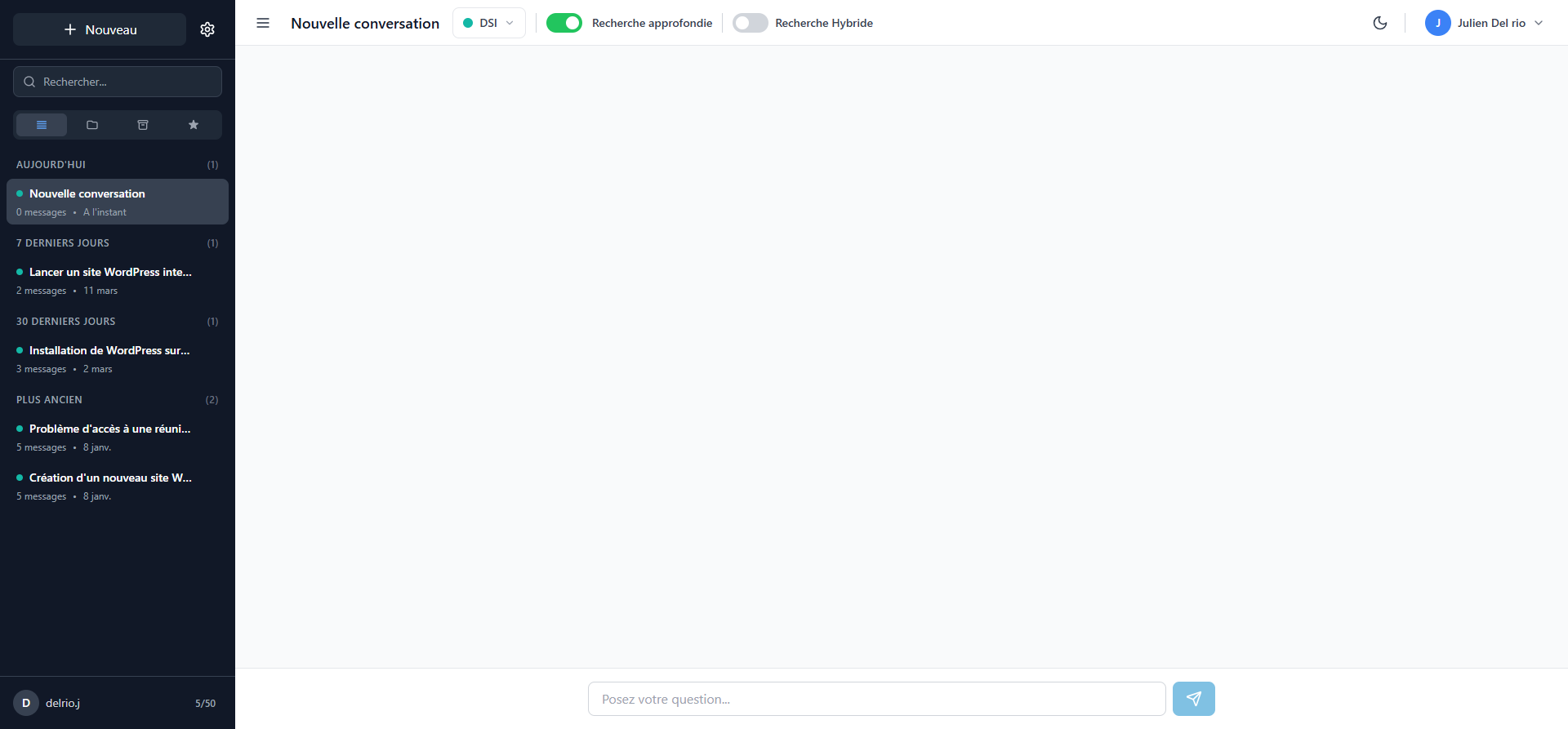
Once logged in, you arrive on the chat page. The interface consists of:
- Left sidebar: list of your conversations, search bar, and filters (All, Universes, Archives, Favorites).
- Central area: conversation space where questions and answers are displayed.
- Top bar: universe selector, search options (deep search, hybrid), dark mode, and user menu.
- Input field: at the bottom of the screen, to ask your questions.
Ask your first question
- Check that the correct universe is selected in the top bar (e.g. DSI, Pastel, Sillage...).
- Type your question in the "Posez votre question..." field at the bottom.
- Click the send button or press Enter.
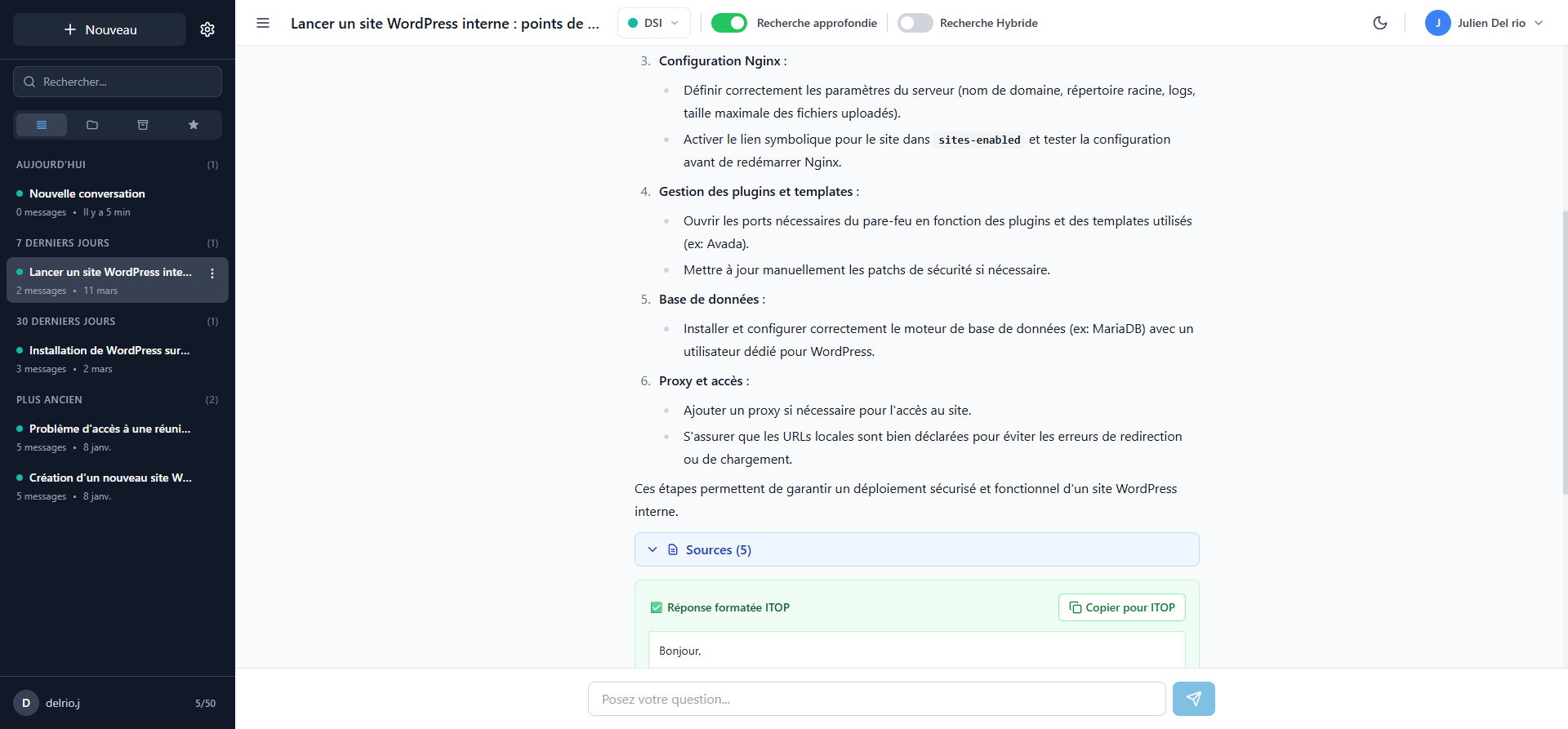
- The answer is displayed with the sources used.
Next steps
- Using the chat: search options, sources, favorites
- Manage your profile: update your information and preferences
- Features guide: overview of all features