Favorites validation
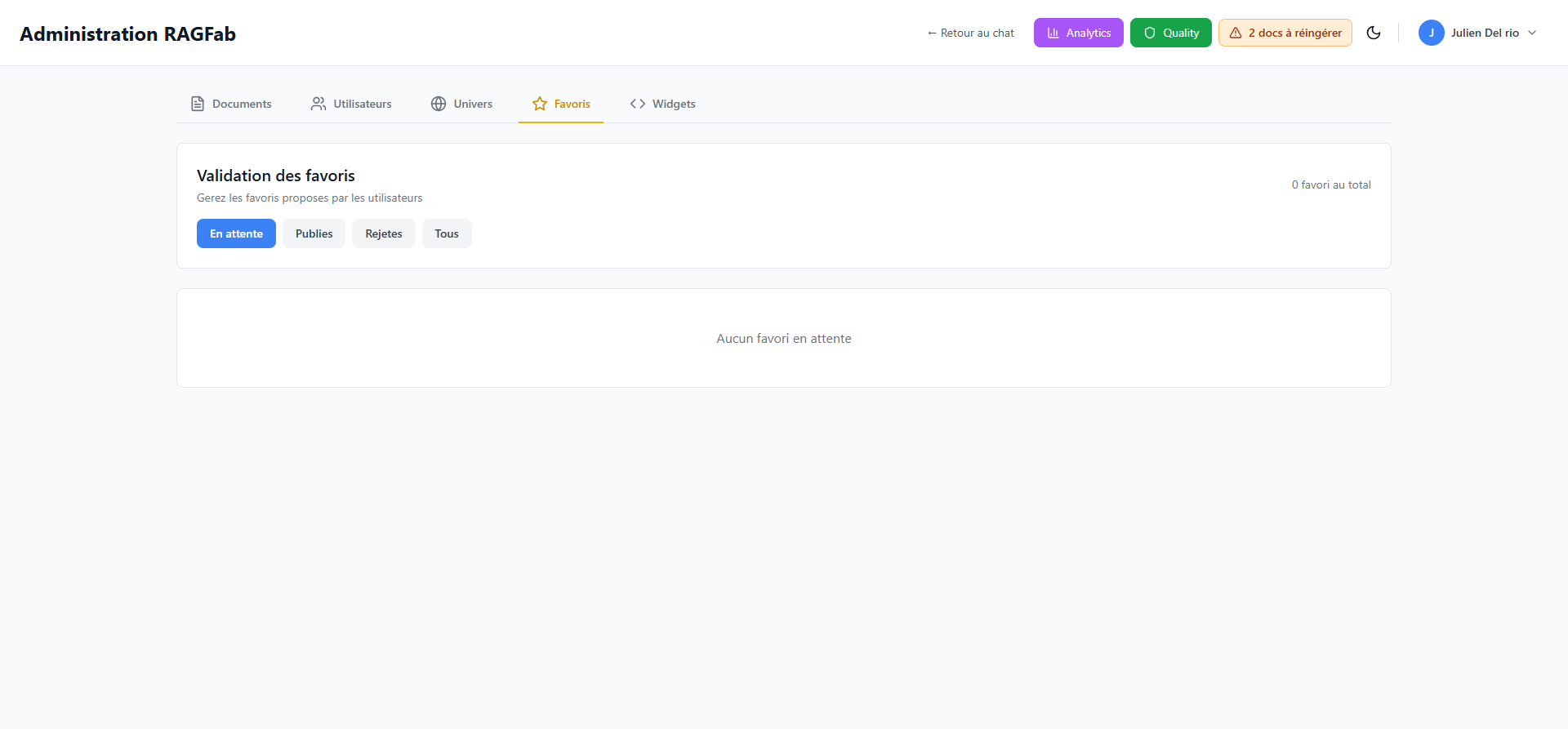
The Favoris (Favorites) tab in the administration page allows you to validate answers that users have proposed as shared favorites.
WARNING
This feature is restricted to administrators.
Access favorites validation
- From the administration page, click the Favoris tab.
How it works
When a user identifies a particularly useful answer, they can propose it as a favorite. The administrator can then:
- Publish the favorite to make it accessible to all users
- Reject the favorite if it is not relevant
Filter favorites
Four filters are available:
| Filter | Description |
|---|---|
| En attente (Pending) | Favorites awaiting validation |
| Publies (Published) | Validated and shared favorites |
| Rejetes (Rejected) | Refused favorites |
| Tous (All) | All favorites |
The total favorite count is displayed in the top right.
Validate or reject a favorite
- Select the En attente (Pending) filter.
- For each favorite, review the proposed question and answer.
- Click Publier (Publish) to validate or Rejeter (Reject) to refuse.
TIP
Published favorites are used as answer suggestions when a user asks a similar question. This improves response quality and speed.